Your shopping cart is empty!



Tint and Track V3 - Screen Tinting & Reading Support Software
- Product Code
- Select Option for Code
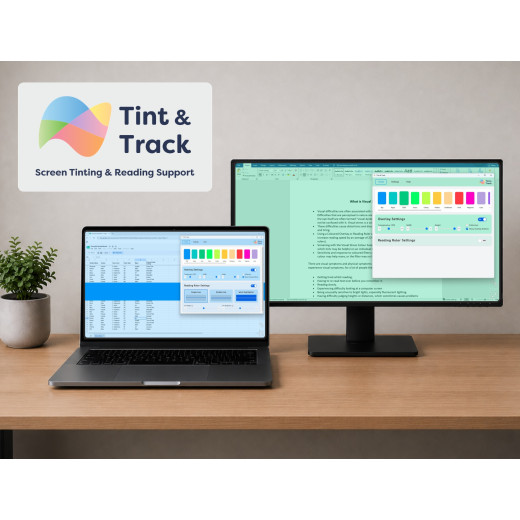
Tint and Track V3 is Crossbow Education's screen tinting and reading support software, designed to help reduce visual stress, improve screen readability and create a more comfortable digital reading experience.
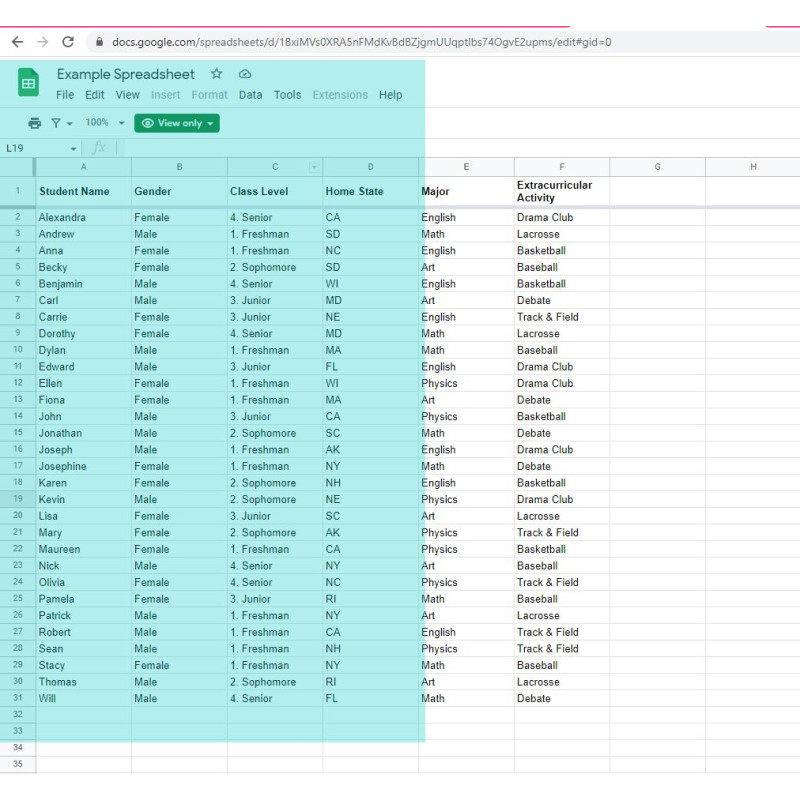
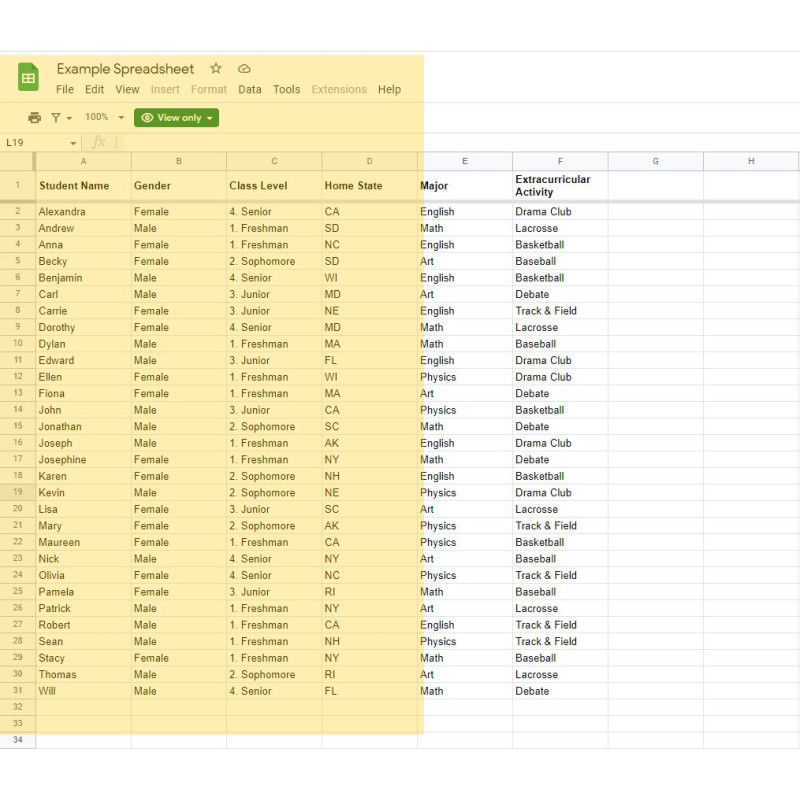
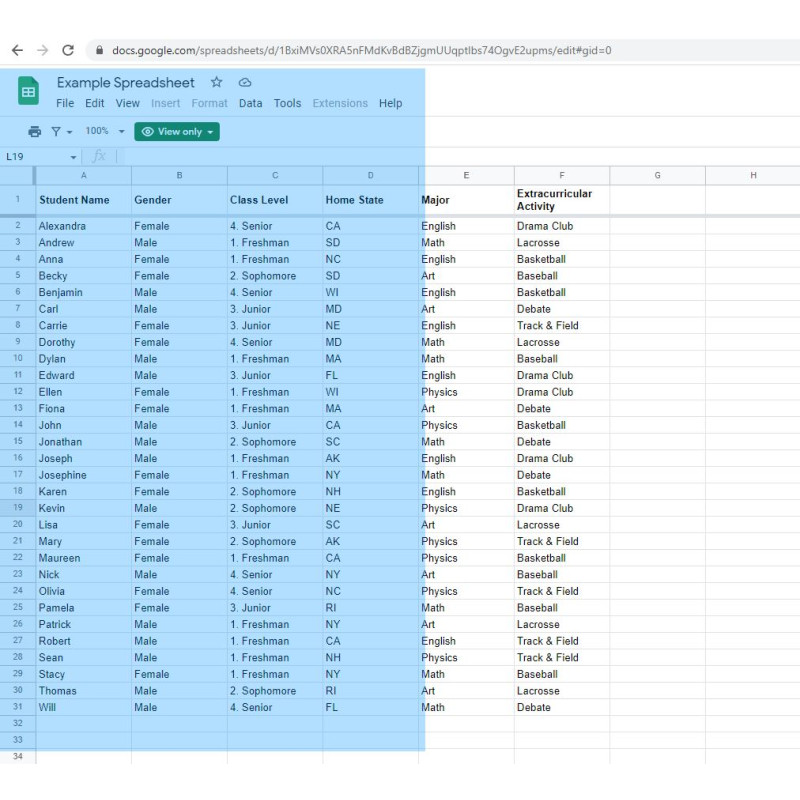
Using coloured screen overlays and tracking lines, Tint and Track enables users to personalise their display to suit their individual preferences. It can help reduce glare, improve contrast and support sustained focus when using a computer.
Developed by Crossbow Education, a trusted provider of assistive technology and accessibility solutions for over 20 years, Tint and Track V3 is suitable for education, workplaces and home use. It supports individuals with dyslexia, visual stress and other reading difficulties, while also providing a solution for anyone who benefits from reading through colour or tracking tools.
The digital companion to Crossbow Education's coloured overlay range.
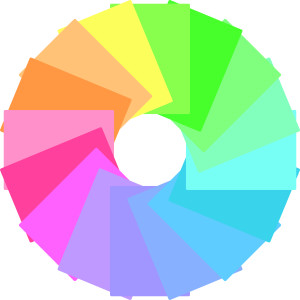
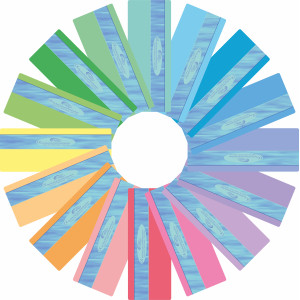
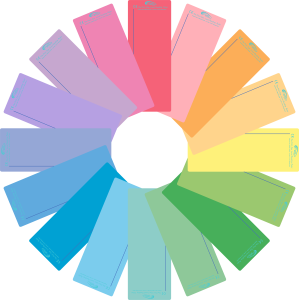
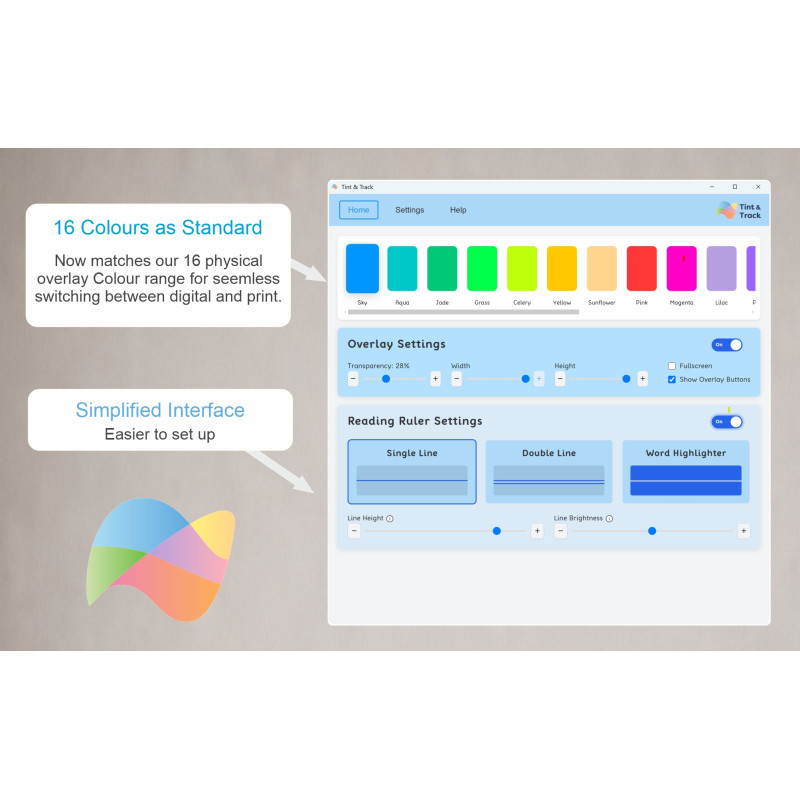
Tint and Track V3 includes all 16 Crossbow coloured overlay colours as standard, matching our complete physical coloured overlay range. This allows users to work with the same trusted colour when reading printed materials or digital content, creating a consistent and personalised reading experience across paper and screen.
Key Features:
Complete Crossbow Colour Range
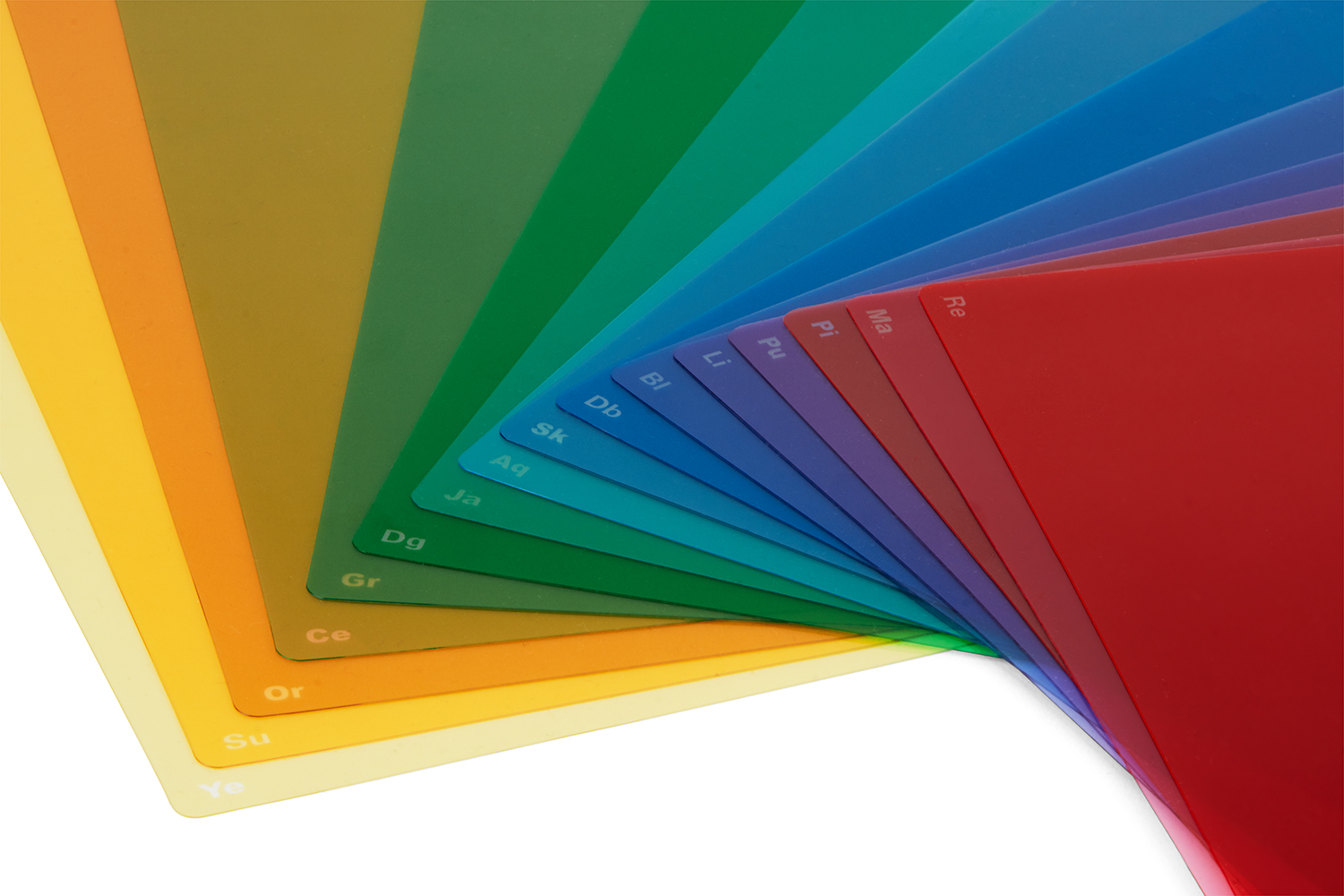
- Tint and Track V3 includes all 16 Crossbow coloured overlay colours, including the six newest colours from our physical coloured overlay range (updated for Version 3.
- Users can also create their own custom overlay colour, making it easy to personalise the screen to suit their individual preferences
- The depth of colours can also be changed for each personal preference.
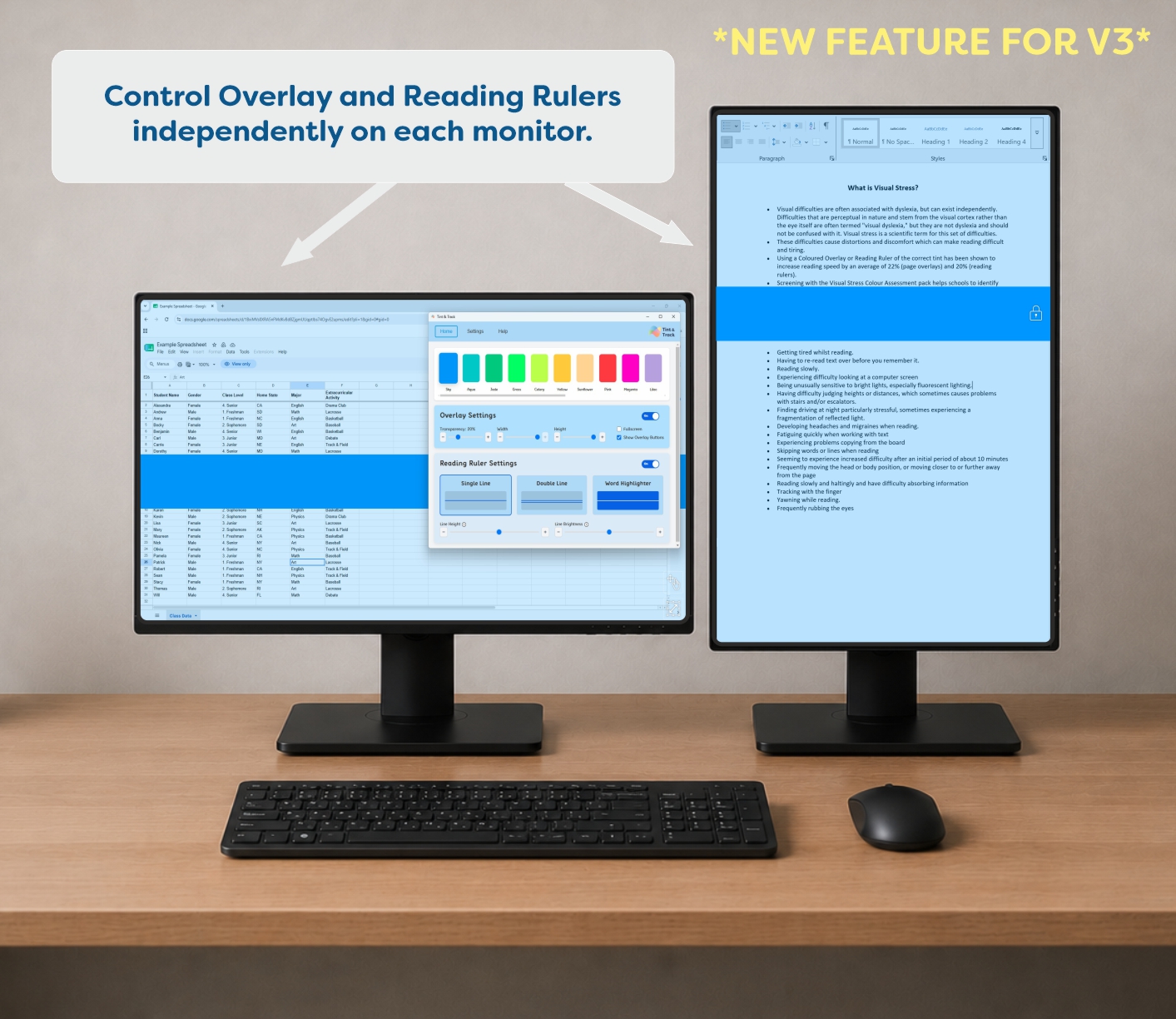
Enhanced Multi-Monitor Support
- Our tinted exercise books are available in 10 comforting page tints - Cream, Yellow, Apple, Leaf, Aqua, Sky, Purple, Rose, Salmon & Sunflower
- You can also choose between 4 different rulings - 8mm lined, 10mm lined, 7.5mm squared & 10mm squared.
- Previous Winner of Education Resources Award - Product of the Year (SEN)
Overlay Mode
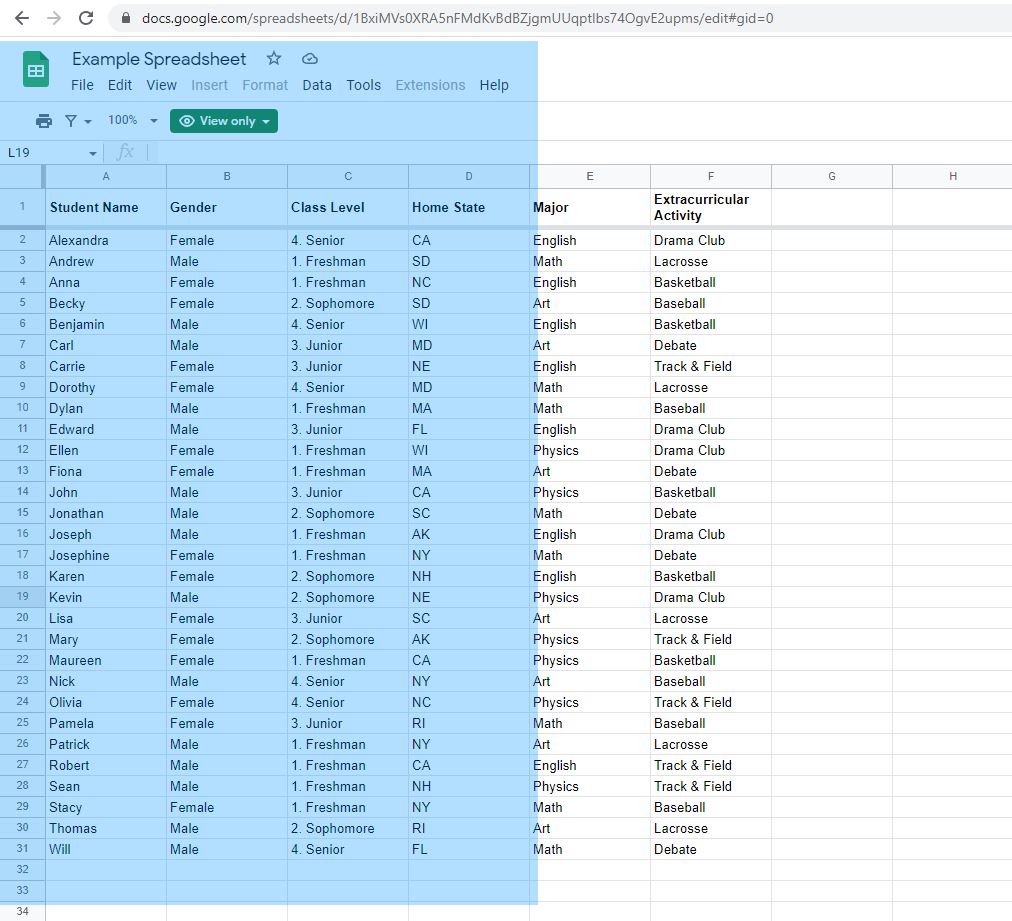
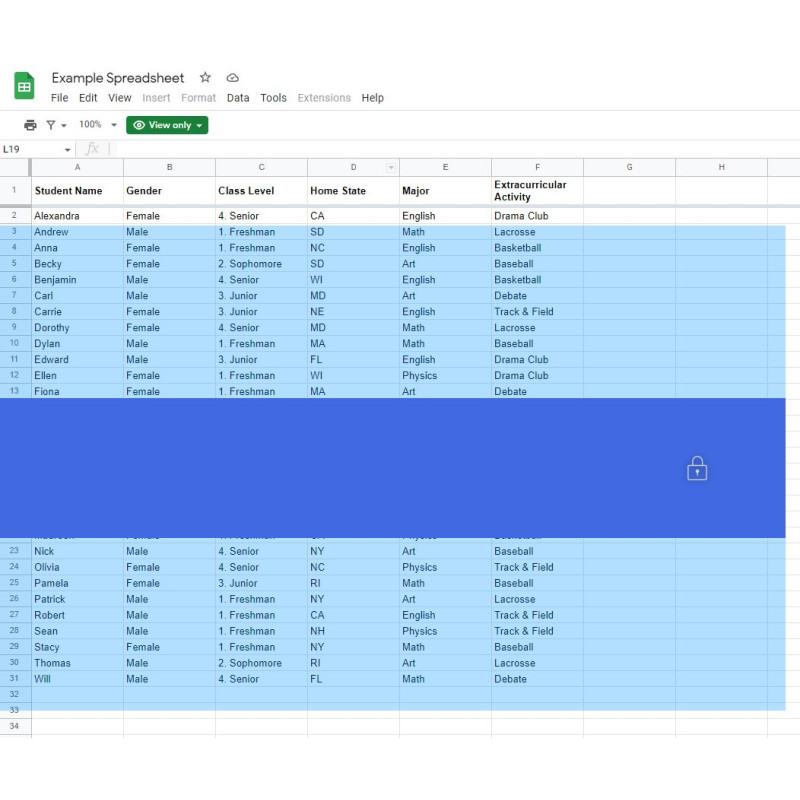
- The Overlay Mode applies a coloured tint across the whole screen or a selected area, helping to reduce glare, improve contrast and make screen work more comfortable. Users can customise the:
- Overlay colour
- Opacity
- Size
- Position
Reading Ruler Mode
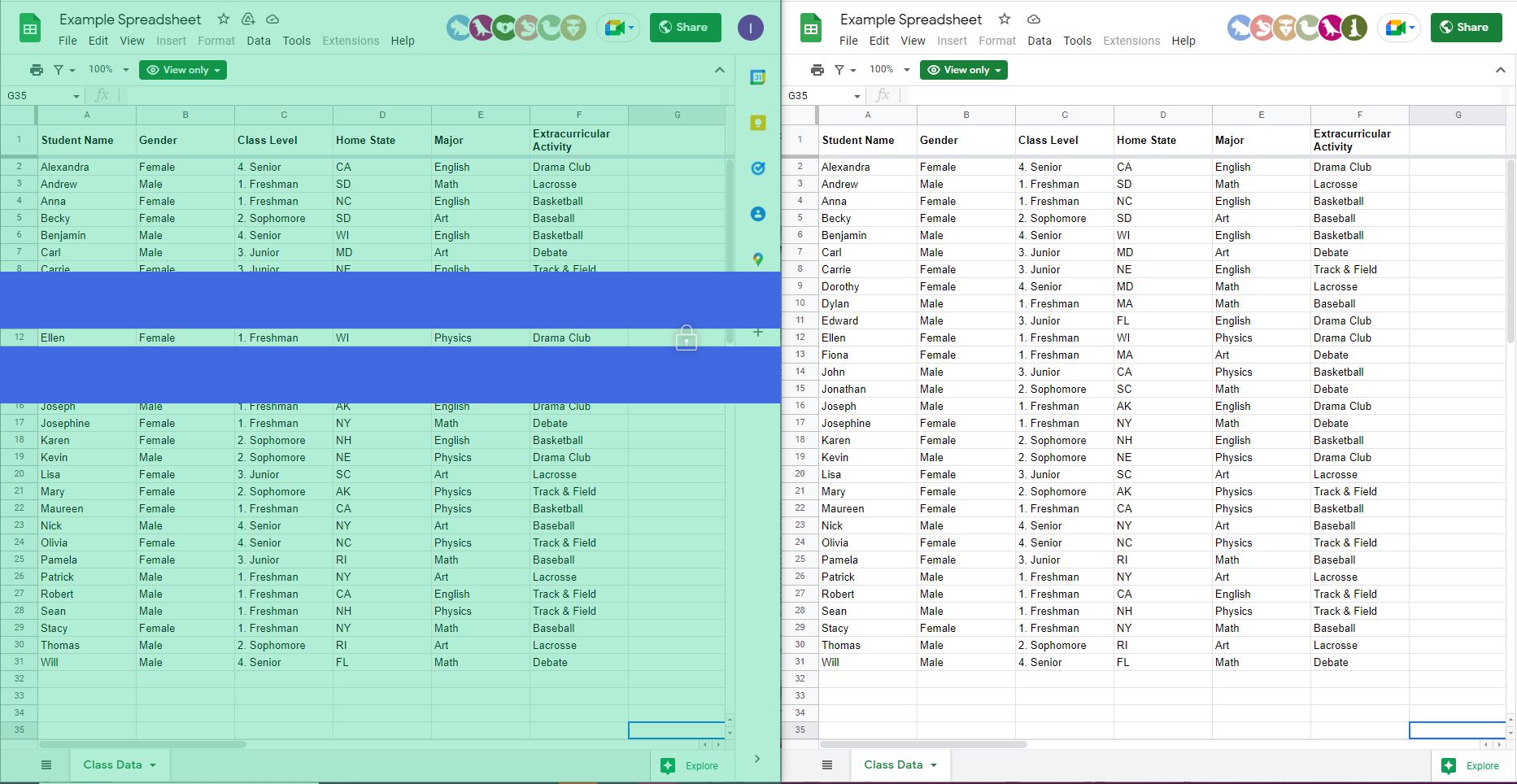
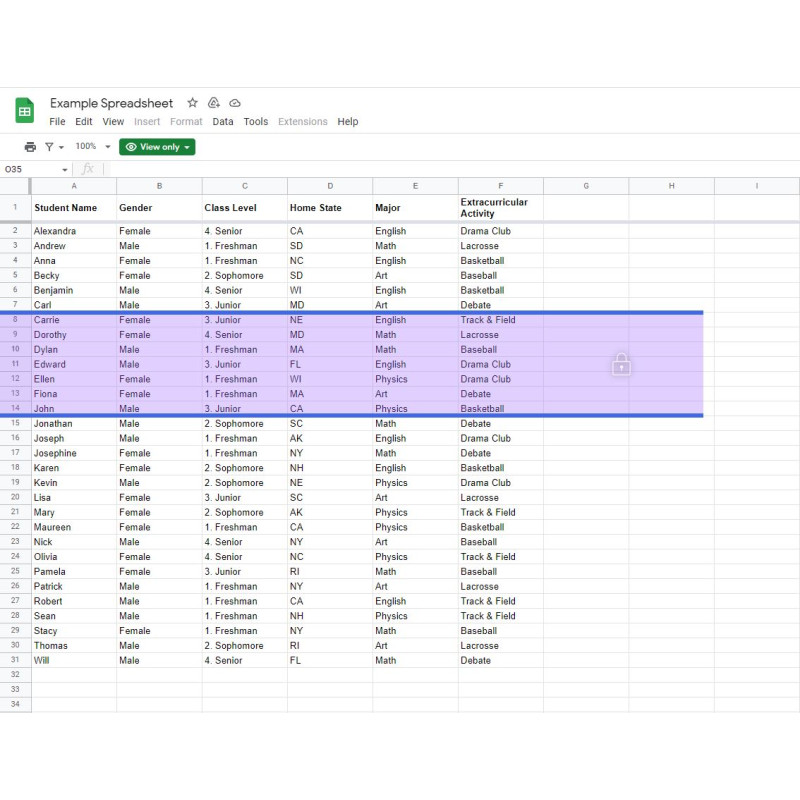
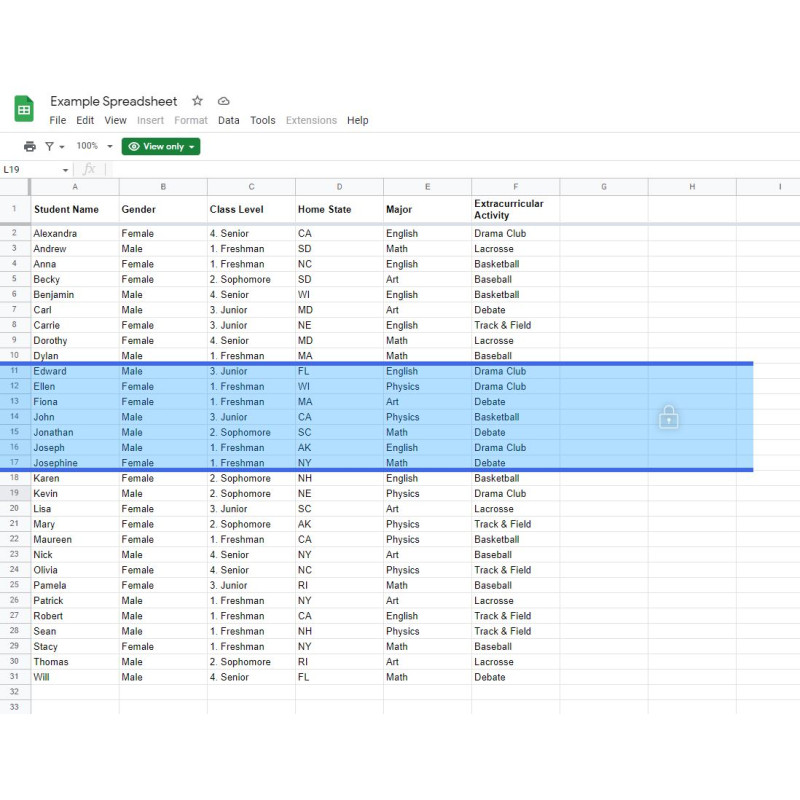
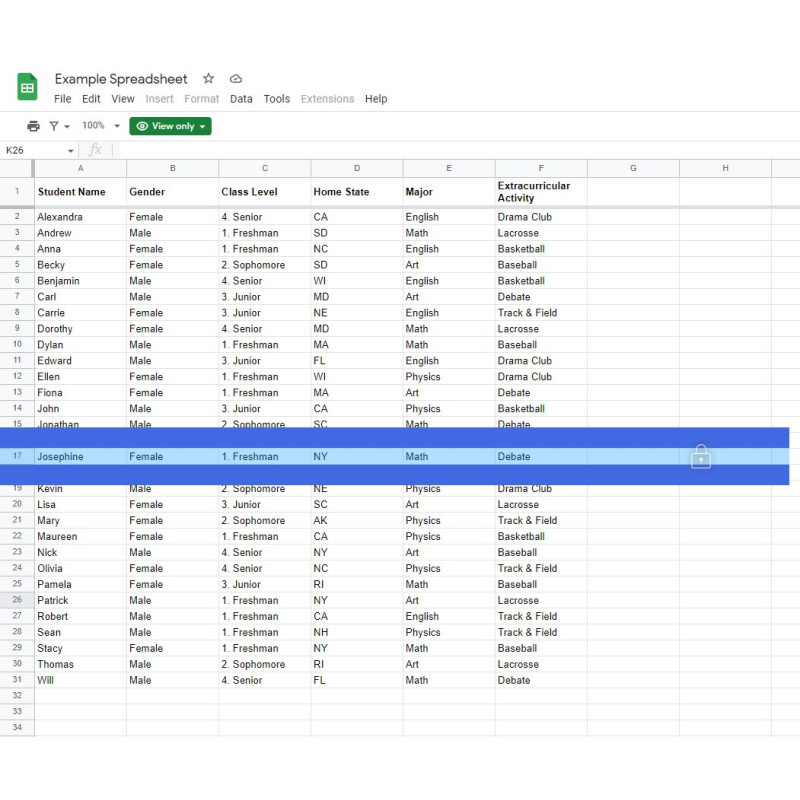
- Reading Ruler Mode provides a clear visual guide to help users maintain their place while reading on screen.
- Features include:
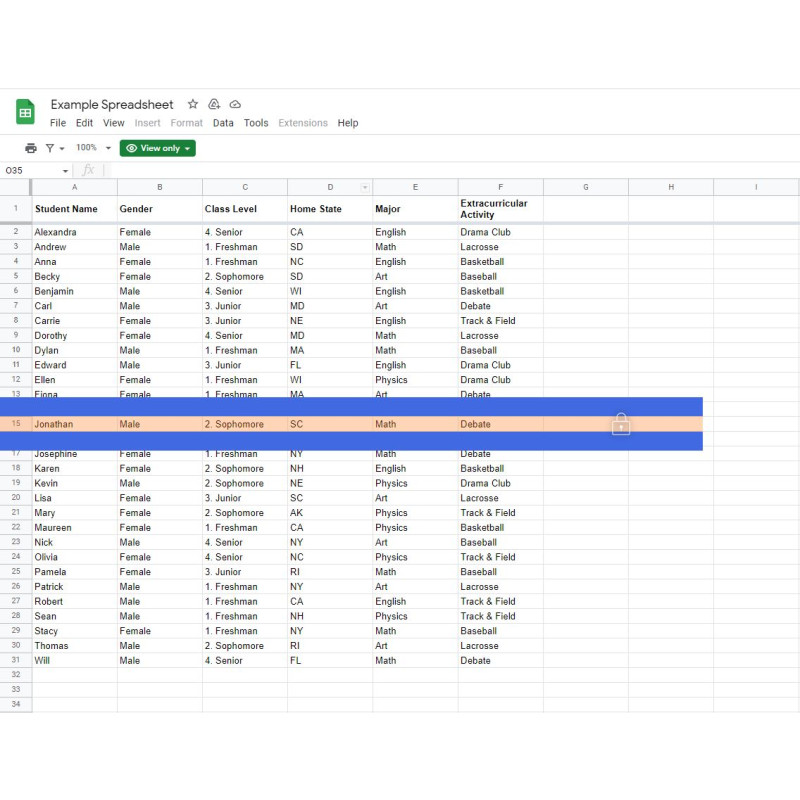
- A choice of customisable tracking-line styles
- A reading ruler that follows the mouse pointer
- A lock function that keeps the ruler in position while the mouse is moved elsewhere
- Support for reading documents, webpages, PDFs and spreadsheets
Keyboard Shortcuts
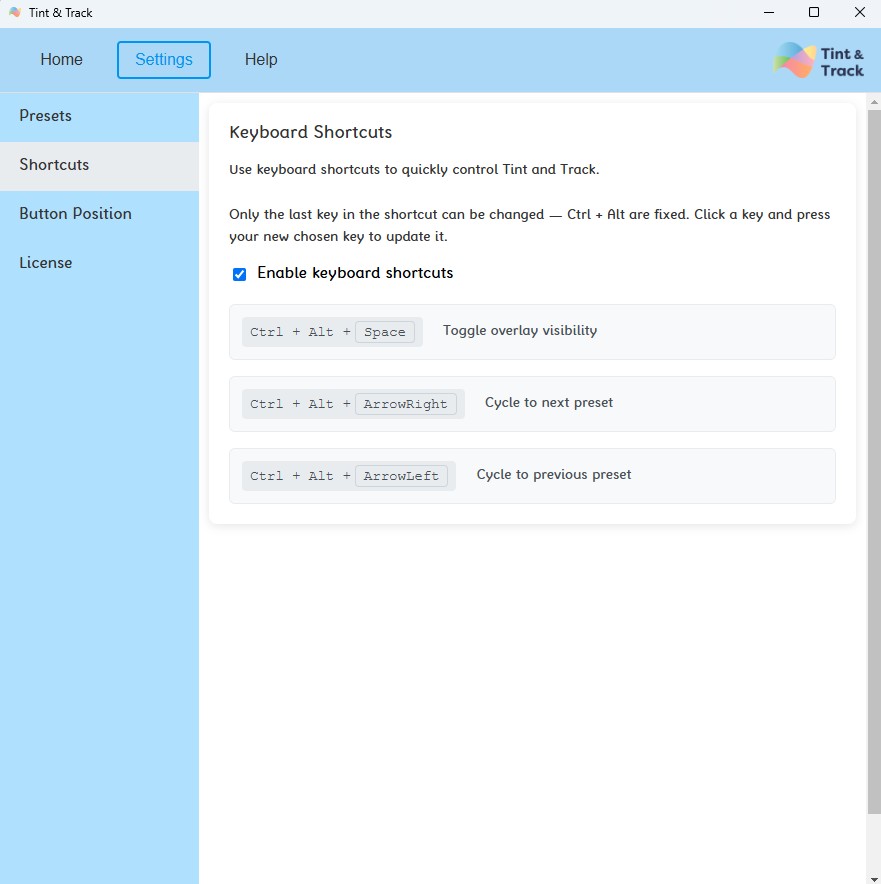
- Frequently used functions can be accessed quickly using keyboard shortcuts, allowing users to quickly:
- Turn the overlay on or off
- Switch between Overlay Mode and Reading Ruler Mode
- Change between features without interrupting their workflow
Personalised Presets
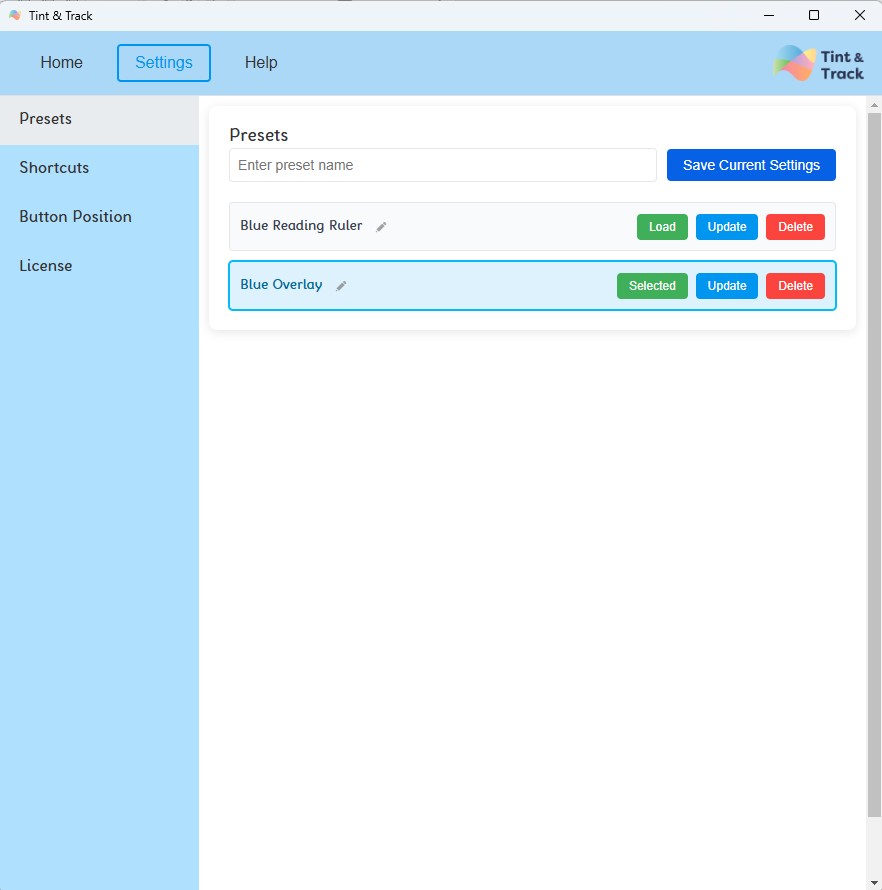
- Save your favourite settings, so you can switch easily between them.
Works Across Virtually any Application
- Tint and Track is programmed to sit in front of the applications displayed on your screen. This allows its coloured overlays and reading support tools to be used over virtually any program, rather than being limited to a particular browser or application.
- This is a selection of the applications it can be used over, however it should sit infront of any application you have open:
- Microsoft Office applications
- Web browsers
- PDF readers
- Email applications
- Learning platforms
- Business software
- Remote desktop sessions and remote screens
- Projected displays
- Multiple-monitor setup
- Because Tint and Track sits in front of the software being used, users can continue working normally while benefiting from a personalised coloured overlay or reading ruler.
Type and Click Through
- Tint and Track allows users to continue typing, clicking and working through both Overlay Mode and Reading Ruler Mode. This means the software can remain active without preventing normal interaction with the application underneath it.
What's New in Tint and Track V3?
- Simplified User Interface
- A cleaner and more intuitive interface makes it quicker and easier to personalise settings and access the features used most often.
- Expanded Crossbow Colour Range
- Six additional overlay colours have been added to match the latest additions to Crossbow Education's physical coloured overlay range. Tint and Track V3 therefore includes all 16 Crossbow overlay colours as standard.
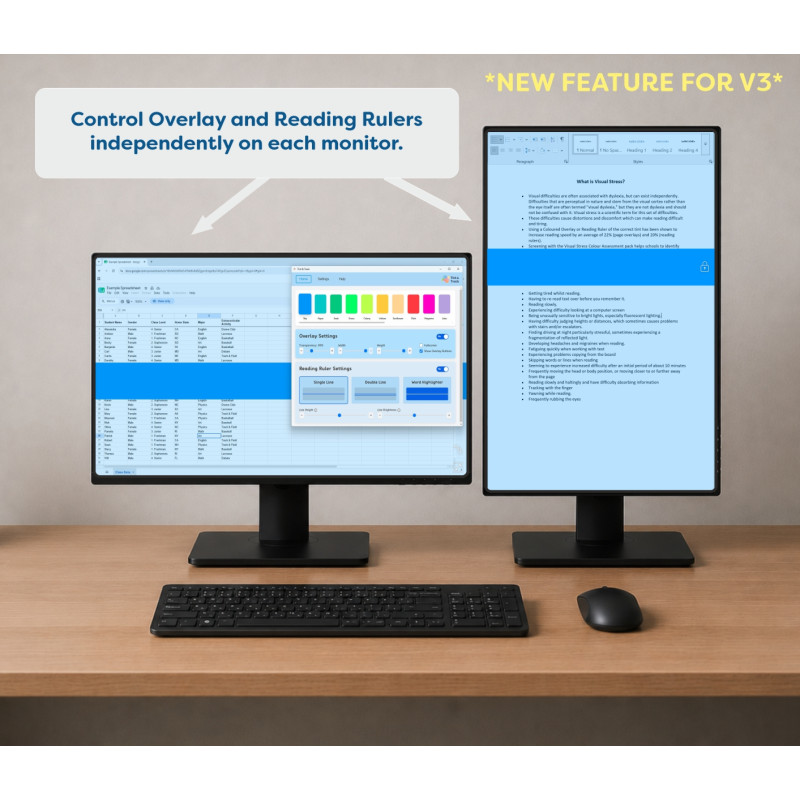
- Enhanced Multi-Monitor Functionality
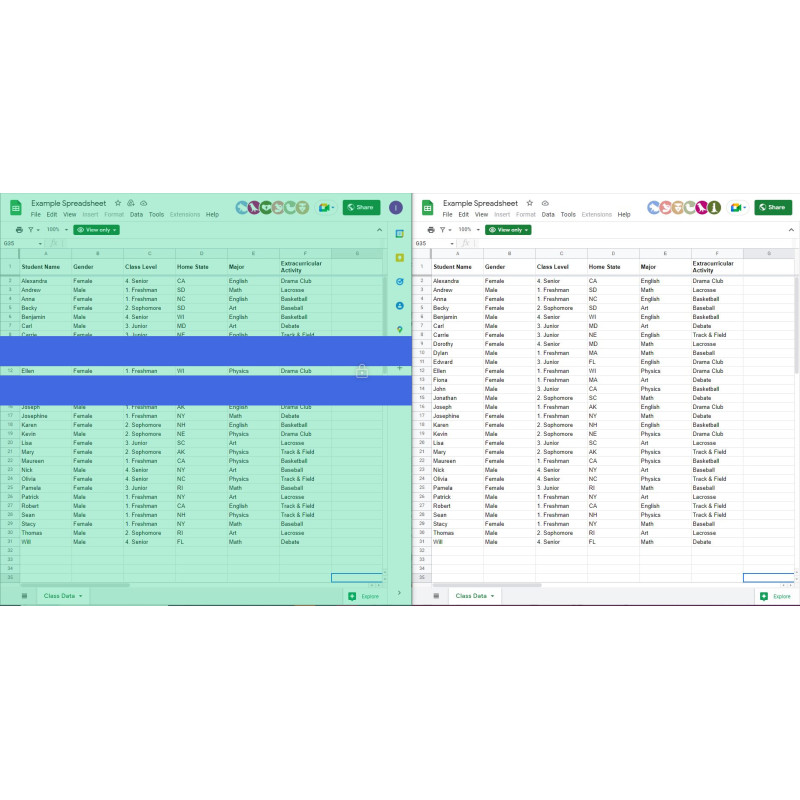
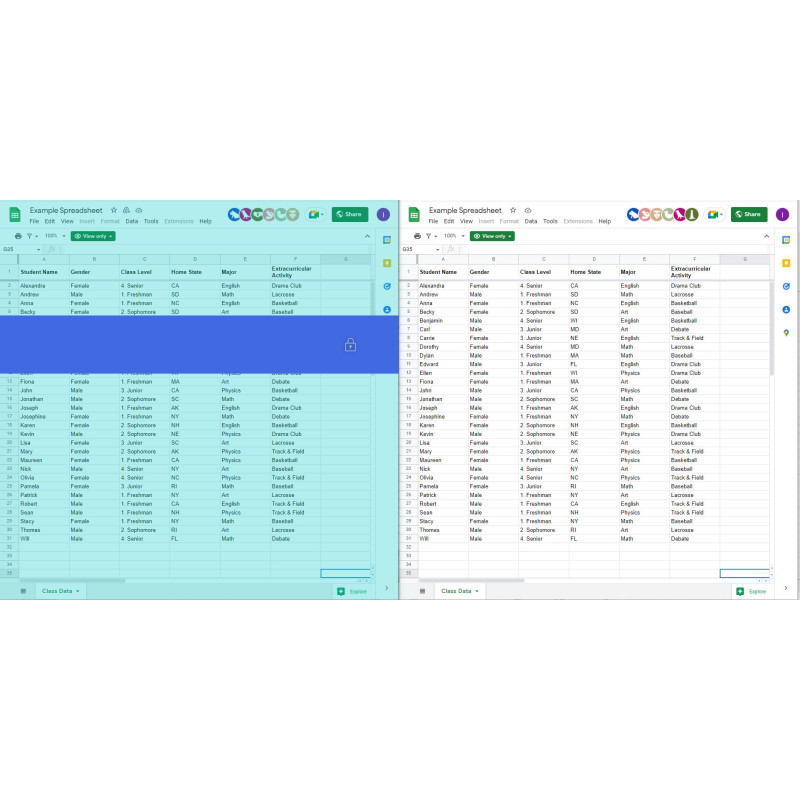
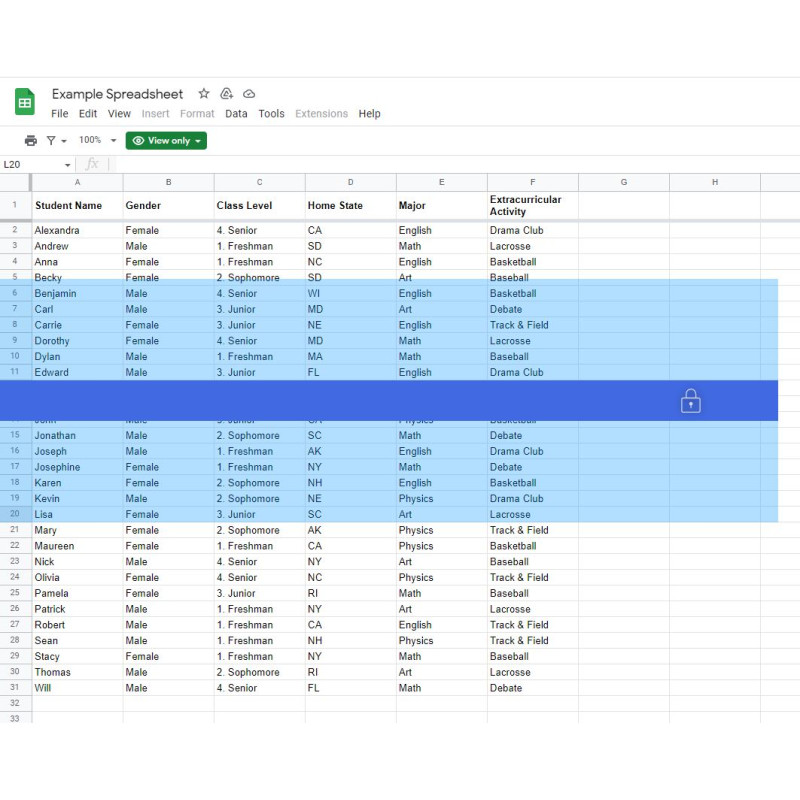
- Each connected monitor now has its own independently adjustable overlay, allowing the overlay to be positioned and resized separately on each screen while retaining the same selected colour across the complete setup. We have also added in the functionality to control the reading rulers independently on each screen.
- Enhanced Security
- As verified publishers for Microsoft and Apple we have strengthened our security features even further and provide improved support for modern installation and deployment across education, workplace and personal devices.
Designed for Every Environment
Education
- Tint and Track can help schools, colleges and universities provide a personalised digital reading environment for learners who benefit from coloured overlays or additional reading support.
- It can be used in classrooms, libraries, learning-support settings and during independent study, helping learners use their preferred reading tools across a wide range of digital resources.
Workplace
- Tint and Track helps organisations create a more accessible digital working environment by allowing employees to personalise how information appears on screen.
- It is suitable for office-based, public-sector, healthcare, hybrid and remote-working environments, and can be used across the software and applications employees rely on throughout the working day.
Individuals and Home Users
- Whether studying, working from home, reading emails, browsing online or using digital documents, Tint and Track allows individuals to create a screen environment tailored to their own preferences.
- Its simple controls and customisable reading tools make it suitable for everyday use at home, at work or while studying.
Why Choose Tint and Track?
- For more than 20 years, Crossbow Education has developed trusted assistive technology and accessibility solutions for learners, professionals and individuals.
- Tint and Track V3 brings together personalised coloured overlays, practical reading support tools, enhanced multi-monitor functionality and an intuitive interface in one easy-to-use application.
- As the digital companion to Crossbow Education's physical coloured overlay range, Tint and Track enables users to move between printed and digital materials using the same trusted overlay colours.
One trusted range. One consistent reading experience.